PixelBox
A downloadable tool
emulator frontend thinghy!
Why bother understanding Bios files, Super complicated menus and GUI`s, PixelBox got you covered with a very Minimalistic style !
simply unpack the zip somewhere,
open the rom folder and slap them (legally acquired) roms, in their respective folder.
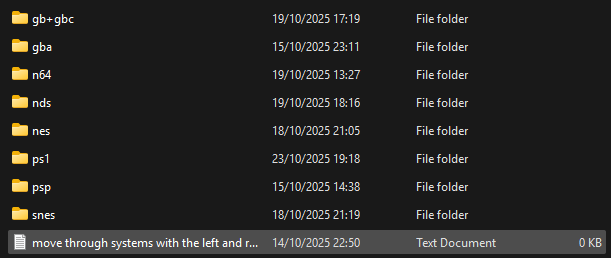
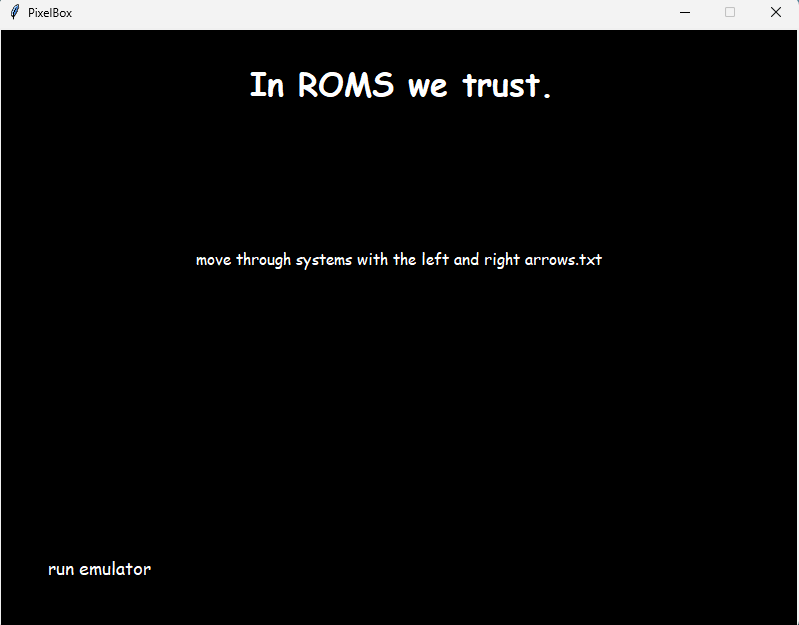
upon opening PixelBox, you will see a blackscreen with a cute lil text that tells you how to move through systems, each system lists what roms you have put in its folder and lets you play by just clicking the rom :)
BIOS
some Emulators require bios files to work, im not allowed to distribute these files within Pixelbox so you are going to have to acquire these legally by yourself; there is a Bios folder where you can put them.
Most emulators use HLE bios files but some require bios files, as of now only duckstation requires a bios file
there is a ReadMe you can read for better clarity, but i doubt you´ll need it :)
Controls
of course, you may want to navigate around, fear not - Pixelbox uses commands easy as pie (or pi(3.14blablamiaomiao))
use the left and right arrows to navigate through your folders
hover around the games with the mouse to select them, click with your left mouse button to play them.
you can also scroll up and down with the arrow keys, most people dont need this but maybe you might!
also, there are arrows as part of the ui to switch from console to console
Versions:
There are different options to download and use PixelBox, either you get the "full" version ( which has every emulator preinstalled) or you get normal Pixelbox + Its emulators dedicated zip.
if you decide for the second option, make sure to follow the ReadMe so that everything works! its pretty easy, just unzip the zips to the emulators folder inside of PixelBox!
Customization
I aim to make Pixelbox as customizable as i can, while keeping its memory footprint light.
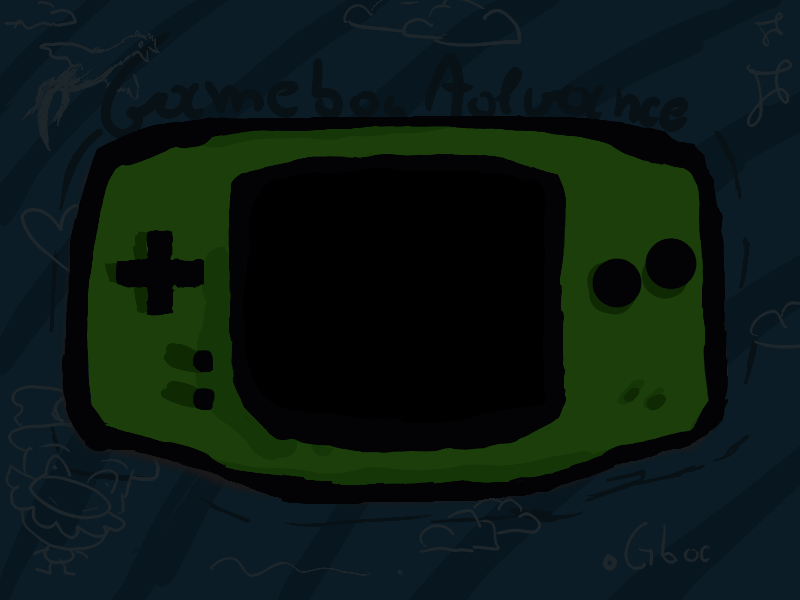
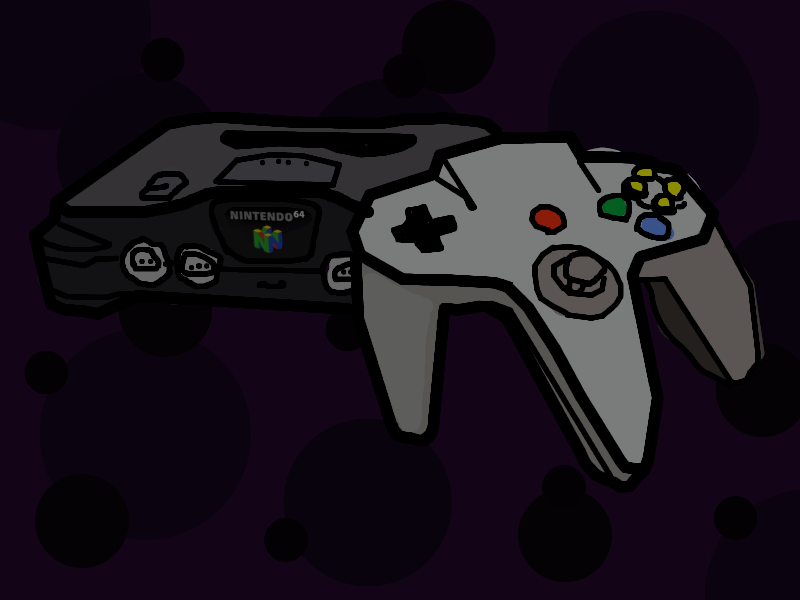
As of now you can change Backgrounds and Emulators! you can find more information about this on the Readme, but essentially you can use any Emulator you want with PixelBox, provided you can configure it correctly :)
IMPORTANT
The Emulators used in this project do not belong to me, I used Freeware and Opensource emulators but of course if you feel like i should remove your Emulator from Pixelbox, you can contact me and i will comply :)
Big thanks to the creators of the Emulators used in this version (in no particular order):
mGBA - endrift https://mgba.io
duckstation - stenzek https://duckstation.org
bsnes - Byuu https://bsnes.org
melonDS - Arisotura (its the person behind the update logs on their official website, i dont know if its also the dev) https://melonds.kuribo64.net
nestopia - Kevin Harmon https://nestopia.sourceforge.net
ppsspp - Henrik Rydgård https://www.ppsspp.org
project64 - Zilmar, Shygoo, and Azimer https://www.pj64-emu.com
PixelBox Alpha Release (0.1)
Are you interested in the really bad code we have here ?
check it out at https://github.com/moinaaaaa/Pixel_Box !
Download
Click download now to get access to the following files:
Development log
- Pixelbox PostMortemDec 10, 2025
- Pixelbox Update#8Dec 08, 2025
- Pixelbox Update#7Dec 07, 2025
- Pixelbox Update#6Dec 06, 2025
- Pixelbox Update# 5Dec 05, 2025
- Pixelbox Update #4Nov 26, 2025
- Pixelbox Update #3Nov 25, 2025
- Pixelbox Update #2Nov 24, 2025


Comments
Log in with itch.io to leave a comment.
I made a Linux version, just keep in mind that you are going to have to download the emulators yourself for the linux version
one love <3